
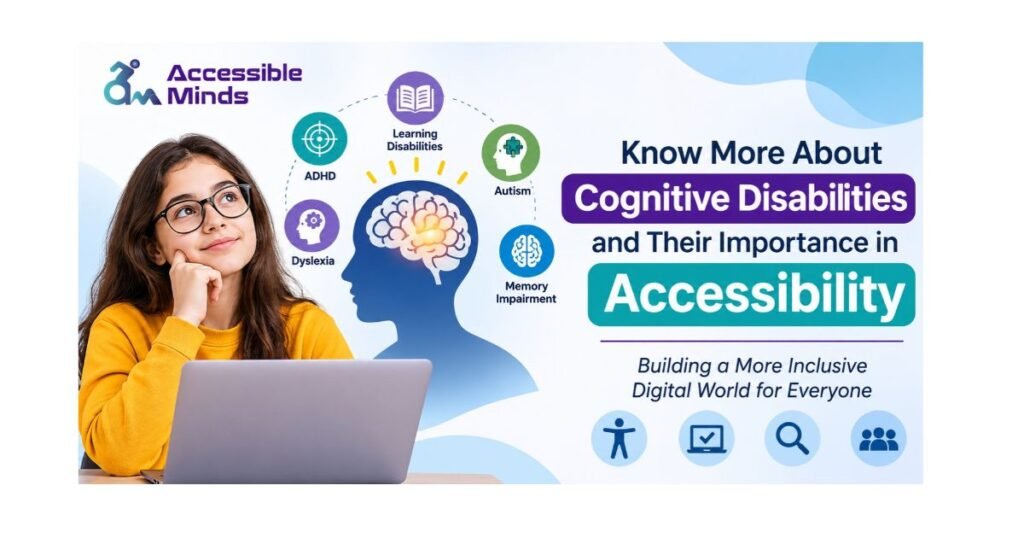
The digital world has become an essential part of everyday life. People use websites, mobile applications, and online platforms to access information, communicate, shop, learn, and complete important tasks. However, not everyone experiences digital content in the same way. People with cognitive disabilities may face challenges when interacting with websites that contain complicated navigation, unclear instructions, excessive information, or distracting elements.
Understanding cognitive disabilities is an important step toward creating inclusive digital experiences. Cognitive accessibility focuses on making digital content easier to understand, navigate, and use for people with different cognitive abilities. Businesses, developers, and designers must recognize these requirements to ensure that everyone can access digital services independently and comfortably.
What Are Cognitive Disabilities?
Cognitive disabilities are those types of disabilities that impair a person’s thinking ability, learning, memory, attention, processing of information, problem-solving, and communications. Cognitive disabilities can be present at birth, develop in childhood, or take place later in life due to illnesses, injuries, or other situations. Persons suffering from cognitive disabilities may have problems with understanding difficult information, recall instructions, and focusing on a certain task. However, all individuals differ in terms of capabilities and their need for accessibility.
Common Types of Cognitive Disabilities
Some common examples include:
- Dyslexia: An impediment to learning adversely impacting reading, spelling and writing processes.
- Attention Deficit Hyperactivity Disorder (ADHD): A disorder that might disturb the process of paying attention, organization and self-control.
- Autism Spectrum Disorder: A developmental disorder potentially affecting communication skills, social interaction and sensory perception.
- Intellectual disabilities: A set of impairments possibly hindering intellectual ability and adaptive skills.
- Memory impairment: An impairment that affects the process of both remembering information and task completion.
- Traumatic brain injury: An injury that can impair memory, concentration and reasoning.
How Cognitive Disabilities Affect Daily Digital Activities
Individuals who suffer from cognitive disabilities may find it difficult to read long texts on websites, comprehend complex instructions, maneuver through unknown interfaces, and fill out forms online. Animated graphics, uncoordinated webpages, and irrelevant features can also make online interactions difficult. As a result, such obstacles can prevent people from important data and performing day-to-day online actions on their own.
Understanding the Importance of Cognitive Accessibility
Cognitive accessibility refers to the design of digital products and services in a way that ensures that they are comprehensible and easy to use for those with different cognitive capacities. In other words, the digital products do not make life difficult for the users with their different styles of processing information.
Equal Access to Digital Information
Accessing online content, education, health services, and social media should be equally accessible to all. A website that uses complex language or confusing layout can create barriers for people with cognitive impairment. Businesses can make their websites more readable through implementing cognitive accessibility guidelines.
Better User Experience for Everyone
Cognitive accessibility is not only great for the disabled population, but it can also serve the needs of others. Clear and simple instructions, easy navigation of pages, document formats that can be easily read, and predictable layouts can contribute to a good experience for all users.
For example, someone browsing a website while under stress, fatigue, or distraction would also find a clear content structure useful. Hence, cognitive accessibility makes the usability design of the website easier to accomplish.
Common Digital Accessibility Challenges Faced by People with Cognitive Disabilities
Although digital technology provides many opportunities, poorly designed websites can create several challenges for people with cognitive disabilities.
Complex Website Navigation
Websites that use confusing menus, inconsistent page layouts, and unclear navigation options can present problems for users trying to find the information they are after. Individuals who have trouble with memory or attention may have trouble navigating through complicated menus.
Complicated Language and Content
Long paragraphs, technical terminology, unclear instructions, and complex sentence structures can make website content difficult to understand. Simple language and organized information help users process content more effectively.
Information Overload and Distractions
Too many pop-ups, animated banners, shining images, and unnecessary animations distract users and hinder their ability to focus. Websites should limit such visual distractions and provide controls to stop moving content.
Difficult Forms and Authentication Processes
The frustration could arise from unclear labels, complicated instructions, and excessive number of steps on online forms. The same can happen with complicated authentication processes that impair users’ ability to log in to their accounts. The usage of clear instructions, helpful error messages, and minimum number of steps will ease the process greatly.
Best Practices for Improving Cognitive Accessibility on Websites
Businesses and web developers can follow several practical strategies to improve accessibility for people with cognitive disabilities.
Use Simple and Understandable Language
Using understandable language to write website content is necessary. Technical terms and long sentences should be avoided. It is useful to organize the content using headings, short paragraphs and bullet points. It is necessary to give clear instructions to users too.
Create Consistent Website Navigation
Consistency improves how well a website can be used. Menus, buttons, navigation patterns, and page layouts should all be the same from one page to another. Visitors should be able to tell what any element on a website does simply by glancing at its label.
Reduce Visual Distractions
Unnecessary animations, flashing content, and automatically playing media can make it difficult for some users to focus.
Consider the following practices:
- Avoid unnecessary moving elements.
- Provide controls to pause or stop animations.
- Maintain sufficient spacing between website elements.
- Use readable fonts and appropriate text sizes.
- Create a clean and organized visual layout.
These improvements can make digital experiences more comfortable and predictable.
Simplify Forms and Online Processes
Forms ought to be easily comprehensible and should not create obstacles in their completion. In order to create forms that can be considered helpful, make sure you employ comparatively simple terms and well-defined field labels. If possible, split complicated procedures into smaller parts. After users perform some starting action, it would be advisable to provide feedback informing them of what takes place after that.
Provide Flexible and Personalized Experiences
Make it easy for participants to resize text, navigate using keyboard shortcuts, and use assistive devices. Enabling various information access options allows for greater flexibility in designing websites that cater to people with different accessibility needs.
The Role of WCAG Guidelines in Cognitive Accessibility
The Web Content Accessibility Guidelines (WCAG), developed by the World Wide Web Consortium (W3C), provide an internationally recognized framework for improving digital accessibility.
WCAG is based on four important principles known as POUR:
- Perceptible: Important information and presentation features should serve accessibility purposes.
- Functional: Websites should allow different options for interacting with their content.
- Clear: Users should be able to easily interpret the contents of the website and the way they can navigate through it.
- Dependable: Websites should function across multiple platforms.
This principle helps in promoting inclusive web designs and is crucial in reducing the number of obstacles pertaining to digital accessibility. However, relying solely on WCAG may not solve all the issues pertaining to cognitive accessibility. Therefore, businesses also have to take into account more of W3C’s recommendations about cognitive and learning impairments.
Why Businesses Should Prioritize Cognitive Accessibility
Cognitive accessibility should be an important consideration for every business that operates online. Accessible websites help organizations reach a wider audience and provide better digital experiences.
Some important benefits include:
- Broader Readership: Websites that are more accessible allow more people to use digital goods and services.
- Better User Experience: Easy-to-read text and straightforward navigation make websites easier to navigate.
- Greater Customer Satisfaction: As a result, customers can carry out different activities online.
- Digital Inclusion: Companies play a part in offering equal chances to all.
- Enhanced Brand Image: Focusing on accessibility shows commitment to the equal digital experience.
Businesses can also consider professional accessibility evaluations to identify usability barriers and improve their websites.
Conclusion
Understanding cognitive disabilities is essential for creating a more inclusive digital environment. Websites should be designed with clear communication, simple navigation, consistent layouts, and accessible interactions so people with different cognitive abilities can use them comfortably. Businesses and developers must prioritize cognitive accessibility as part of their broader digital inclusion strategy.
Investing in accessible website design and regular accessibility testing can help reduce barriers and create better online experiences for everyone. Make your digital presence more inclusive with professional Website Accessibility Testing Services. Identify accessibility barriers and work toward creating a more accessible digital experience for every user.
Frequently Asked Questions (FAQs)
Cognitive disabilities are conditions that can affect a person’s memory, learning, attention, reasoning, communication, and information-processing abilities. They can influence how individuals understand and interact with digital content.
Common examples include dyslexia, ADHD, autism spectrum disorder, intellectual disabilities, memory impairments, and cognitive difficulties resulting from traumatic brain injuries.
Cognitive accessibility makes websites easier to understand and navigate. It helps people with different cognitive abilities access information, complete online activities, and interact with digital services more independently.
Websites can support people with cognitive disabilities by using simple language, consistent navigation, readable content, clear instructions, fewer distractions, and easy-to-complete forms.
Digital accessibility covers a broad range of requirements that make digital products usable by people with disabilities. Cognitive accessibility focuses specifically on reducing barriers related to memory, attention, learning, understanding, and information processing.
WCAG promotes perceivable, operable, understandable, and robust digital experiences. Its principles help address several cognitive accessibility barriers, although additional design considerations may be necessary to meet individual user needs.