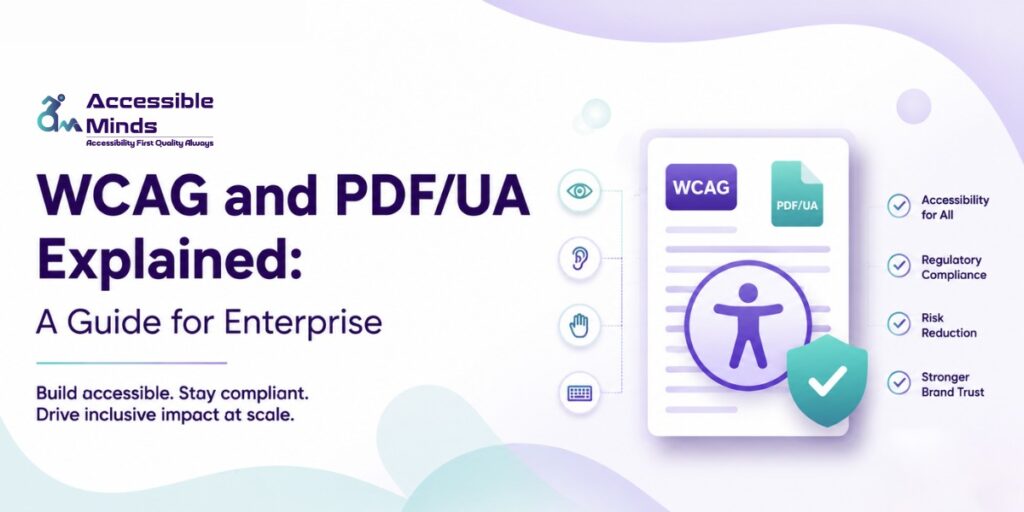
Most enterprise teams discover accessibility compliance the hard way — through a legal notice, a failed audit, or a customer complaint that should never have reached that stage. The truth is, building accessible digital experiences isn’t a one-time checkbox. It’s an ongoing operational commitment, and for large organizations managing hundreds of web pages, portals, and document libraries, the gap between “we think we’re compliant” and “we actually are” can be significant. This guide breaks down two of the most critical standards — WCAG and PDF/UA — and explains what enterprise teams genuinely need to understand before investing in accessibility remediation services.
The demand for Document Accessibility Services is growing rapidly as organizations recognize that accessibility is no longer an optional enhancement. Investors, regulators, employees, and customers expect equal access to information regardless of their abilities. An inaccessible report can prevent users who rely on assistive technologies from understanding a company’s financial performance, sustainability initiatives, governance practices, and future plans. Consequently, businesses across sectors are prioritizing accessible reporting to meet legal obligations, strengthen stakeholder engagement, and reinforce their commitment to diversity, equity, and inclusion.
What WCAG Actually Means for Your Organization
The Web Content Accessibility Guidelines, published and maintained by the W3C, are the global benchmark for digital accessibility. Most enterprises today are working toward WCAG 2.1 Level AA compliance, though WCAG 2.2 has been the current recommendation since late 2023. The guidelines are organized around four core principles: content must be Perceivable, Operable, Understandable, and Robust — commonly referred to as POUR.
What often surprises enterprise stakeholders is how far WCAG’s scope extends. It’s not just about screen reader compatibility or adding alt text to images. It covers keyboard navigation, color contrast ratios, form error handling, time-based media, session timeouts, and much more. A single enterprise web application can touch dozens of WCAG success criteria simultaneously, and each one has a specific pass/fail threshold that needs to be validated — not estimated.
For organizations operating across multiple regions, the stakes are especially high. In the United States, Section 508 of the Rehabilitation Act and the ADA both reference WCAG standards. The EU’s European Accessibility Act (EAA), with its 2025 enforcement deadline, requires private sector businesses to meet WCAG 2.1 AA as well. Falling short isn’t just a compliance risk — it limits your reach, affects brand trust, and in many cases, exposes the organization to litigation that could have been entirely avoided.
PDF/UA: The Standard Your Document Team Has Probably Missed
While WCAG covers web content, PDF/UA (ISO 14289) is the accessibility standard for PDF documents. The “UA” stands for Universal Accessibility, and it sets out detailed technical requirements for how a PDF must be structured so that assistive technologies — primarily screen readers — can navigate and interpret its content correctly.
Here’s where many enterprise organizations have a blind spot: they’ve invested in making their website WCAG compliant, but their PDF library is completely untouched. Annual reports, policy documents, application forms, onboarding packets, product manuals — these files are often created in Word or InDesign, exported as PDFs, and uploaded without any remediation. The result is documents that are technically inaccessible to users who rely on screen readers or other assistive tools.
PDF/UA compliance requires that every document have a proper tag structure, meaningful reading order, defined language, alt text for all non-decorative images, and accessible form fields with correct tab order and labels. It also mandates that the document metadata identify it as PDF/UA conformant. This isn’t something that happens automatically when you export from Word or Adobe Acrobat — it requires intentional remediation, whether performed manually or through a structured workflow using tools like Adobe Acrobat Pro, PAC 2024, or similar validators.
Why Enterprise Organizations Need a Structured Remediation Approach
Accessibility remediation at enterprise scale isn’t just a technical problem — it’s a workflow problem. Without a clear process, teams end up in reactive mode: fixing pages after complaints, remediating documents just before audits, and never quite getting ahead of the backlog. This is exactly where professional digital accessibility remediation or web accessibility remediation services make a measurable difference.
A structured enterprise remediation approach typically involves several key components:
- Audit and prioritization — An automated scan gives you a starting point, but manual expert review is essential. Not all issues carry equal risk, and a good audit will help you prioritize what to fix first based on severity, user impact, and legal exposure.
- Remediation of live web content — This includes fixing HTML markup, ARIA roles and labels, keyboard focus management, and ensuring that dynamic content (modals, dropdowns, carousels) meets the relevant WCAG success criteria.
- Document remediation pipeline — For PDF libraries, this means establishing a repeatable process for tagging, reading order correction, alt text creation, and validation against PDF/UA standards.
- Developer training and process integration — Sustainable compliance doesn’t happen through retrofitting alone. Teams need to understand how to build accessibility from the start, so new content doesn’t add to the backlog.
- Ongoing monitoring — Websites change constantly. New pages are added, components are updated, and third-party integrations introduce new content. A monitoring program ensures issues are caught early rather than accumulating.
- The distinction between a one-time fix and a long-term program is what separates organizations that maintain compliance from those that slip back into violation within months of completing remediation work.
WCAG and PDF/UA Together: Closing the Full Accessibility Gap
One of the most common enterprise pitfalls is treating web accessibility and document accessibility as separate initiatives with separate timelines. In practice, users encounter both, often in the same session. A person using a screen reader might navigate your accessible website perfectly, click a link to download a policy document, and immediately hit a wall because the PDF is untagged and unreadable.
Closing the full accessibility gap means addressing WCAG and PDF/UA in parallel, under a unified strategy. That means mapping your entire digital footprint — web applications, customer portals, marketing sites, intranet pages, and document repositories — and understanding the compliance status of each. It means establishing clear ownership across teams, so accessibility doesn’t become a single department’s problem. And it means building remediation and testing into your content lifecycle, not bolting it on afterward.
Enterprise organizations that take this integrated approach not only reduce their legal risk but also consistently report better user experience outcomes across their entire customer base, not just for users with disabilities. Accessible design tends to be cleaner, more navigable, and more semantically structured, which benefits everyone from mobile users to search engines.
Summary
WCAG and PDF/UA are two distinct but equally important standards for enterprise digital accessibility. WCAG governs web content across your sites and applications; PDF/UA governs the accessibility of your document library. Both require structured, expert-led remediation — not just automated scanning — to achieve and maintain compliance. For organizations navigating complex regulatory environments and large-scale digital properties, investing in professional accessibility remediation services is less about meeting a requirement and more about building a digital presence that actually works for every user who encounters it. Getting there takes a clear strategy, the right partners, and a commitment that goes beyond a single audit cycle.